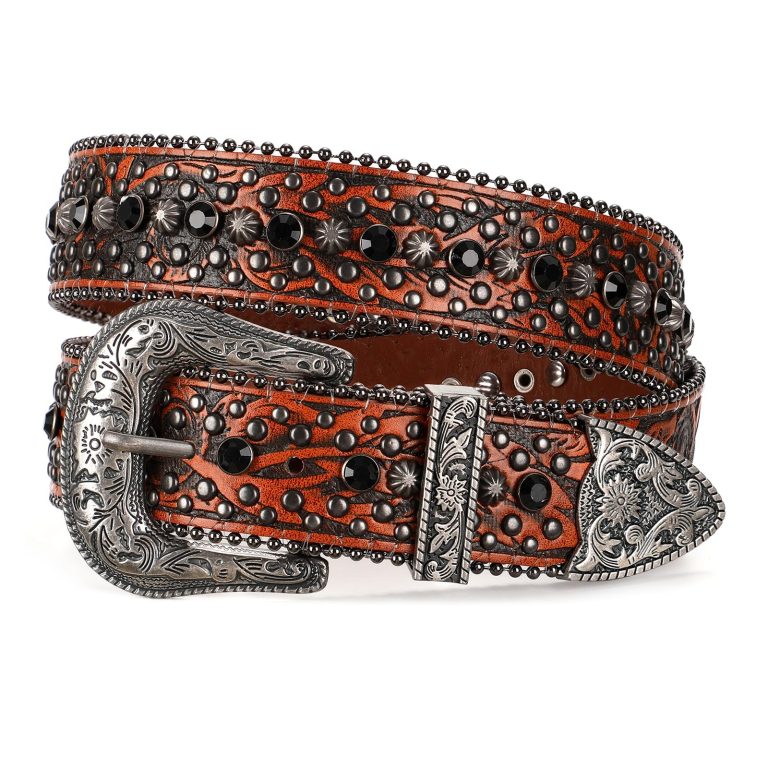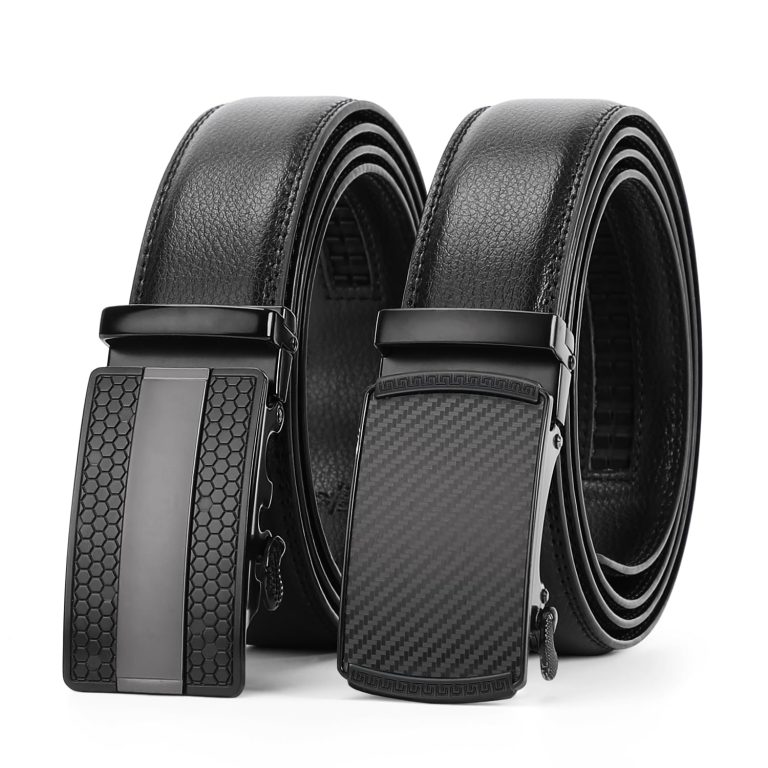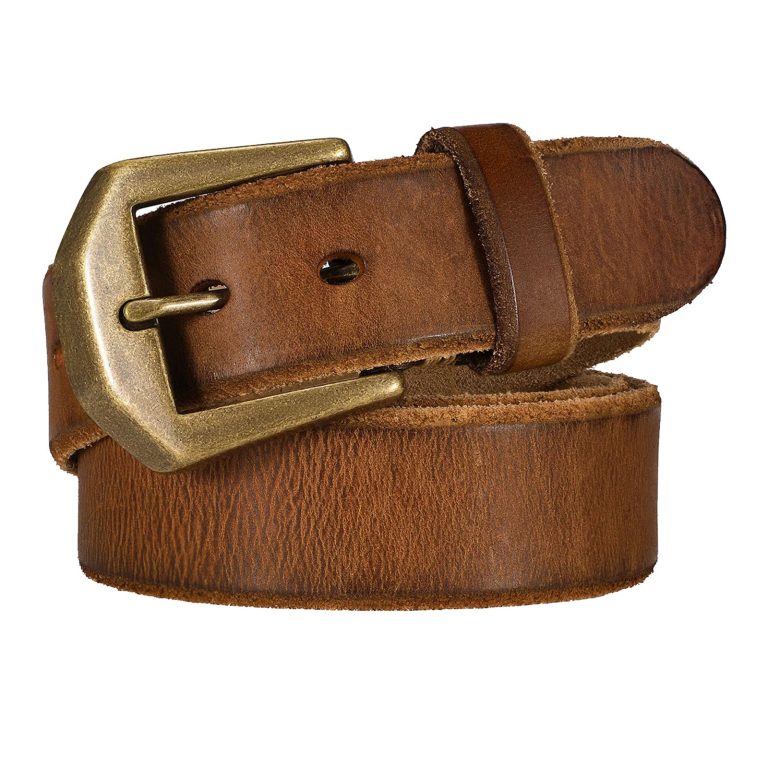
If a belt buckle at a standing desk touches your laptop or the desk edge, change the arrangement before continuing. Identify the contact point during normal movement. A scratch is easier to prevent by keeping the surfaces apart than by improvising a cover on the buckle.
In this guide
Find where contact actually occurs
Step back and look at the buckle, exposed belt tip and the front edge of the work surface. Notice whether the contact happens while typing, leaning toward the screen or reaching for something farther away.
Check the laptop’s position too. A device near the front edge can meet clothing or hardware differently from one farther back on a suitable, stable surface.
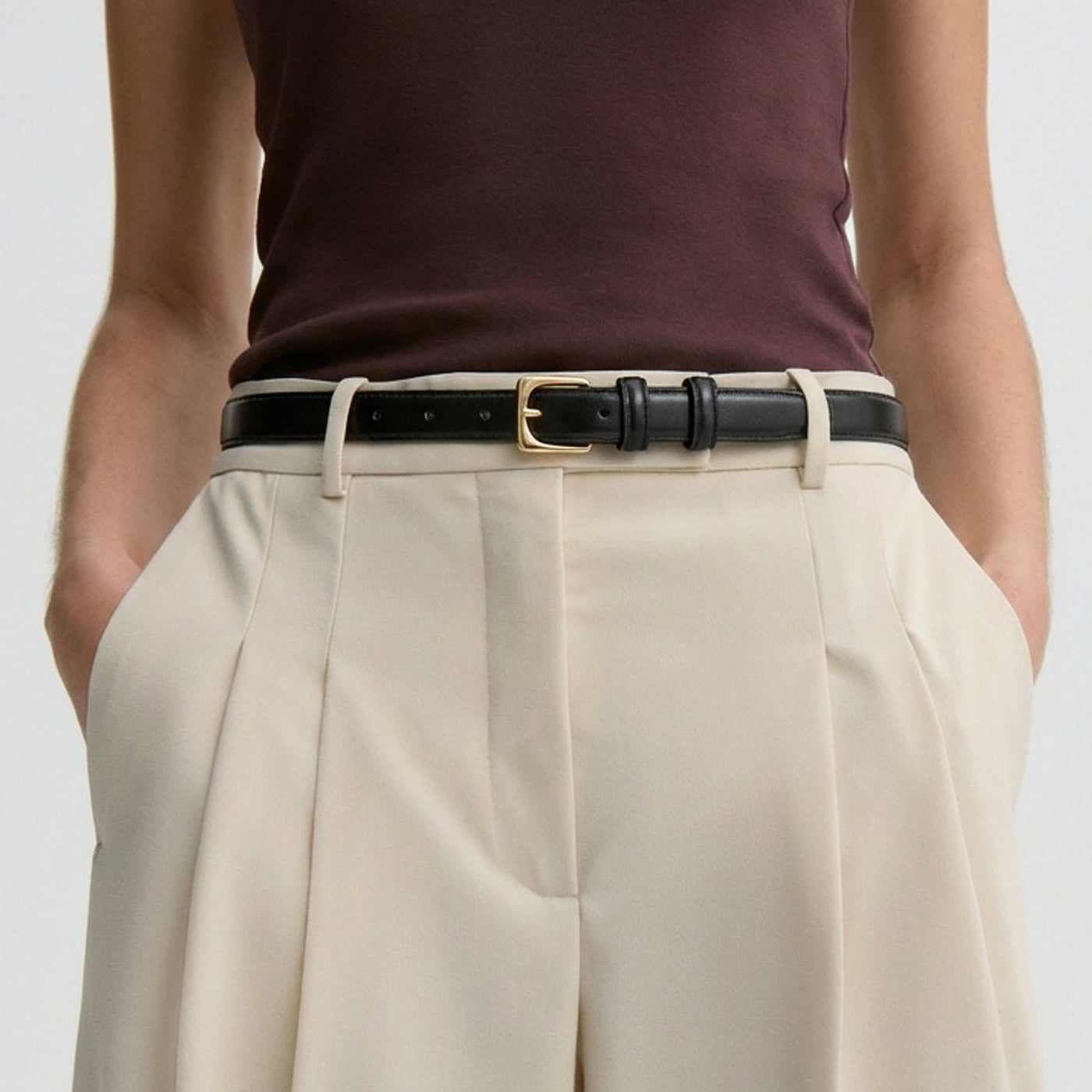
If prominent hardware is the repeated contact point, compare compact frames in JASGOOD skinny belts. Confirm the selected frame’s actual projection; a narrow strap does not automatically make a buckle lie flat.
Adjust the workspace without creating another problem
Use the desk and device according to their setup instructions. Keep the laptop stable and its ventilation clear, and arrange frequently used items so you do not need to press your waist against the edge to reach them.
Repeat your ordinary movements slowly while maintaining clearance. If moving the device makes it awkward to use, reconsider the overall arrangement rather than balancing it on an improvised support.
Check the complete outfit
Make sure the belt is properly fastened and the tail is in its keeper. A loose metal-tipped end may create contact even when the buckle itself stays clear.
An untucked layer can cover hardware, but fabric is not a guaranteed protective barrier. Check that the layer does not catch on the desk or conceal a buckle still pressing against the device.
Choose a different accessory when useful
If the outfit allows it, try a lower-profile belt or a trouser arrangement that does not require the same projecting frame. Keep comfort and garment fit intact; do not overtighten simply to pull hardware inward.
A decorative plate may work well for an evening outfit yet be inconvenient at this particular desk. Changing the accessory for the workday is a practical wardrobe choice, not a defect in the overall style.
Inspect existing marks separately
If either surface is already marked, follow its manufacturer’s care guidance. Do not use a belt cleaner on a laptop finish or apply polish around electronics.
For example, contact that occurs only when reaching across the desk may be resolved by moving a frequently used item. A buckle that touches throughout normal typing calls for a different desk or clothing arrangement.